



April 13, 2026
WordPress vs Drupal: A Battle of CMS Titans

Written by hpcodetechmedia
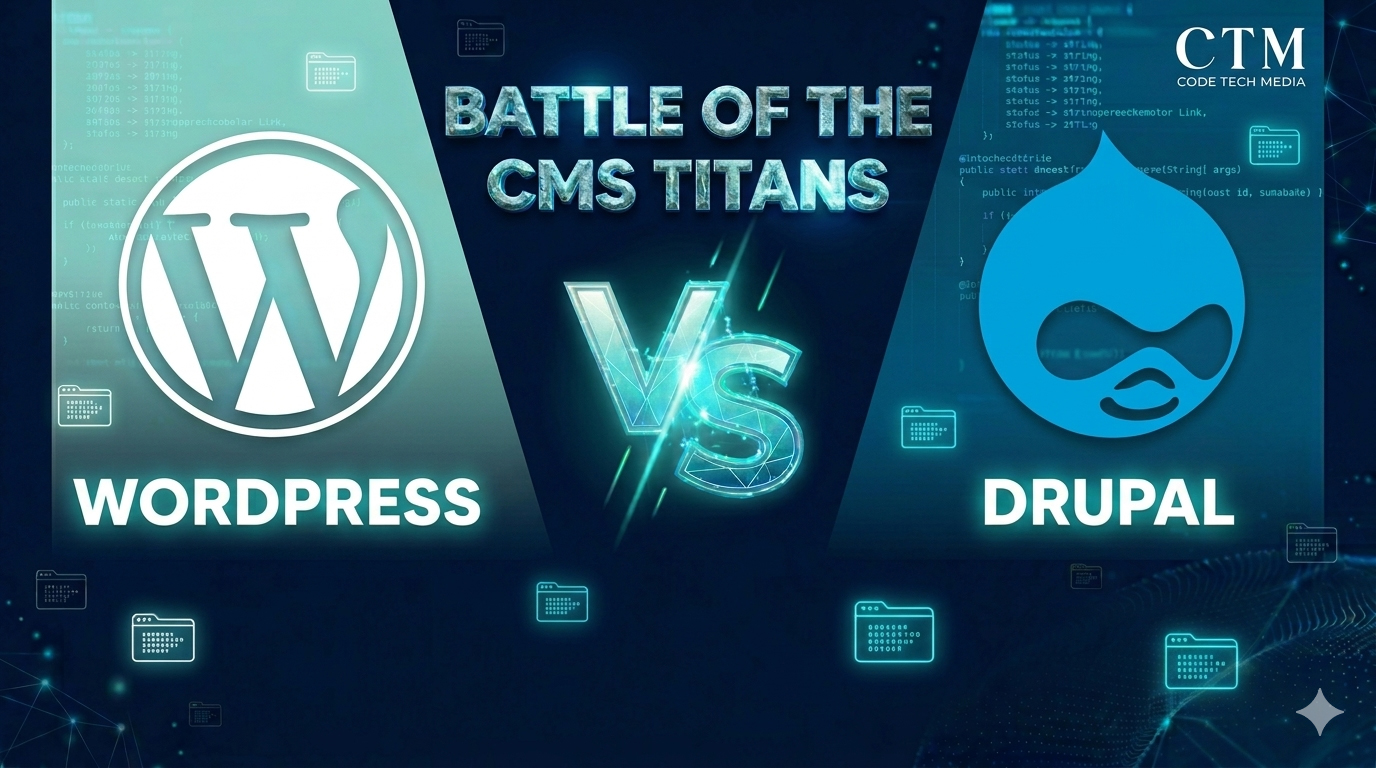
Are you searching for a comparison between WordPress and Drupal? Are you curious about which CMS is best for your website? WordPress and Drupal are two titans in content management systems, each offering unique features and advantages. With its user-friendly interface and extensive plugin ecosystem, WordPress caters to beginners and small to medium-sized websites.
On the other hand, Drupal’s modular architecture and robust customization capabilities make it a preferred choice for developers and large-scale projects. Understanding the differences between WordPress and Joomla is essential for selecting the most suitable solution for your website needs. Let’s delve into a comparative analysis of WordPress Vs Drupal to determine which CMS reigns supreme for your specific requirements.
What is WordPress?
WordPress is a pivotal force in the digital realm, powering millions of websites globally. Initially conceived as a blogging platform, WordPress has evolved into a dynamic content management system catering to various online ventures. At its core, WordPress is an open-source software crafted with PGP and MySQL, licensed under the GNU General Public License. One of its standout features is its user-friendly interface, making WordPress accessible to users across various skill levels.
Key Features of WordPress
- User-Friendly Interface: WordPress offers an intuitive dashboard, simplifying content creation, editing, and publishing without necessitating extensive coding knowledge.
- Extensive WordPress Plugin Ecosystem: with a vast array of both free and premium options, WordPress plugins empower users to extend their website functionalities effortlessly, encompassing SEO optimization, e-commerce capabilities, and social media integration.
- Versatile WordPress Themes: WordPress provides many themes catering to diverse aesthetic preferences, from free options in the WordPress theme directory to premium selections by third-party developers.
- Responsive Design: Most WordPress themes are designed to be mobile-responsive, ensuring optimal performance and aesthetics across devices of varying screen sizes.
- SEO-Friendly: WordPress inherently integrates SEO-friendly features such as customizable meta tags and clean permalink structures, augmented by compatibility with prominent SEO plugins like Yoast SEO.
Advantages of Using WordPress:
- Ease of Use: WordPress’s user-friendly interface renders website management accessible to individuals with minimal technical expertise, facilitating efficient content management and customization.
- Scalability: WordPress seamlessly scales to accommodate websites of varying sizes and complexities, enabling users to incorporate new features and functionalities as their ventures grow.
- Community Support: With a robust community of developers, designers, and users, WordPress offers unparalleled support and resources, simplifying issue resolution and fostering knowledge-sharing.
- Cost-Effectiveness: Despite optional expenses associated with premium themes, plugins, and hosting, WordPress remains a cost-effective solution compared to proprietary CMS platforms, courtesy of its open-source nature.
What is Drupal?
Drupal stands as a robust open-source content management system revered for its ability to empower users in creating, managing and organizing digital content for websites and online applications. Renowned for its flexibility, scalability, and robustness, Drupal remains a favoured choice among developers and organizations seeking advanced customization and functionality.
Key Features of Drupal:
1. Modular Architecture: Drupal’s modular approach permits developers to expand its functionality through the addition and configuration of modules, covering an extensive array of features, including content management, user authentication, e-commerce, and beyond.
2. Flexible Content Types: Drupal web development facilitates the definition of custom content types and fields, thereby simplifying the creation and management of intricate data structures. This flexibility empowers Drupal users to construct diverse websites with varied content requirements.
3. Advanced User Management: Offering robust user management features, Drupal web development enables administrators to delineate roles and permissions for distinct user groups, ensuring secure content access and management.
4. Scalability and Performance: Drupal stands highly scalable and proficient in handling sizable traffic volumes and content loads without compromising performance. Its caching mechanisms, database optimizations, and support for content distribution networks contribute to enhanced site speed and responsiveness.
5. SEO Optimization: Equipped with built-in SEO features such as clean URL structures, meta tag management, and XML sitemap generation, Drupal aids in augmenting search engine visibility and rankings.
Advantages of Using Drupal:
1. Advanced Customization: Drupal’s modular architecture and robust API allow for extensive customization and web development flexibility, facilitating the creation of bespoke solutions tailored to specific business needs.
2. Security: Renowned for its strong security features and proactive vulnerability addressing, Drupal development remains dedicated to maintaining website security through regular updates and a committed security team.
3. Scalability and Performance: Ideal for constructing large-scale websites and web applications, Drupal excels in providing high performance and scalability. Its efficient caching mechanisms and optimized database queries contribute to improved site speed and responsiveness.
4. Community Support: Drupal advantage boasts a vibrant and active community of developers, contributors, and users who collaborate to enhance the platform and offer support and resources. The Drupal community provides extensive documentation, forums, user groups, and events to facilitate user navigation and issue resolution.
5. Content Management Flexibility: Drupal furnishes powerful content management capabilities, enabling users to create, organize, and present content in diverse formats. Its flexible content types, fields, and views allow users to tailor content presentation to suit specific needs and preferences.

Drupal vs. WordPress:
While both Drupal and WordPress hold popularity as CMS platforms, they cater to distinct audiences and use cases. Drupal advantages over WordPress include advanced customization capabilities, scalability, and security, making Drupal an ideal choice for complex websites and web applications. Conversely, WordPress stand renowned for its ease of use, extensive plugin ecosystem, and popularity among bloggers and small businesses.
Comparison between WordPress and Drupal
WordPress and Drupal are two of the most popular content management systems available today, each with its own strengths and weaknesses. Understanding the differences between WordPress and Drupal is essential for selecting the suitable CMS for your website project. Let’s compare WordPress and Drupal across various key aspects:
| Features | WordPress | Drupal |
| Ease of Use | Known for its user-friendly interface and intuitive dashboard, WordPress is easy to learn and navigate, making it ideal for beginners and non-technical users. | Drupal has a steeper learning curve than WordPress, with a more complex interface and administrative backend. Drupal may require some technical expertise to utilize its capabilities thoroughly. |
| Customization and Flexibility | WordPress offers a vast selection of themes and plugins that allow users to customize their websites extensively. However, customization options may be limited for more complex functionalities. | Drupal excels in customization and flexibility, offering a modular architecture and robust API that enable developers to create highly customized websites and applications tailored to specific requirements. |
| Security | Due to its popularity, WordPress is a common target for security vulnerabilities. However, regular updates and security patches help mitigate risks, and many security plugins are available to enhance website security. | Drupal is renowned for its strong security features and proactive approach to addressing vulnerabilities. Its security team releases regular updates and patches to ensure the platform remains secure against potential threats. |
| Performance and Scalability | WordPress performs well for small to medium-sized websites and blogs. However, WordPress may face scalability challenges for larger websites or high-traffic applications. | Drupal is highly scalable and can handle large volumes of content and traffic without compromising performance. Additionally, Drupal’s efficient caching mechanisms and optimized database queries contribute to improved site speed and responsiveness. |
| Community Support: | WordPress boasts a large and active community of developers, designers, and users who contribute to its development and provide support and resources through forums, documentation, and online tutorials. | Drupal also has a vibrant community of contributors and users who collaborate to improve the platform and provide support. The Drupal community offers extensive documentation, forums, user groups, and events to help users navigate the platform and troubleshoot issues. |
| Cost Considerations | WordPress itself is free to use, but users may incur costs for themes, plugins, and hosting. Premium themes and plugins may come with additional fees, but many free options are available. | Similarly, Drupal is open-source and free to use, but users may incur costs for themes, modules, and hosting. Custom development and advanced functionalities may require additional investment. |
WordPress and Drupal are powerful CMS platforms with unique features and advantages. WordPress is well-suited for beginners and small to medium-sized websites, offering easy use and extensive customization options. On the other hand, Drupal excels in customization, security, and scalability, making it ideal for larger websites and complex applications. Ultimately, the choice between WordPress and Drupal depends on your specific requirements, technical expertise, and long-term goals for your website project.
Key Takeaway
- Ease of Use vs. Customization: WordPress offers a user-friendly interface and extensive themes/plugins for easy customization, making it ideal for beginners and small to medium websites. In contrast, Drupal provides advanced customization options with its modular architecture and robust API, catering to developers and large, complex projects.
- Security and Performance: While WordPress & Drupal both the platforms prioritize security, Drupal is known for its strong security features and proactive approach to addressing vulnerabilities. Additionally, Drupal excels in scalability and performance, making it suitable for handling large volumes of content and traffic.
- Community Support: WordPress and Drupal both benefit from active and vibrant communities of developers, designers, and users. However, WordPress has a larger user base and community support, offering extensive resources, forums, and documentation for users of all levels.
- Cost Considerations: Both WordPress and Drupal are open-source and free to use, but users may incur costs for themes, plugins, and hosting. WordPress pricing may be more cost-effective for small to medium websites, while Drupal may require additional investment for customization and advanced functionalities.
- Target Audience: WordPress is well-suited for beginners, bloggers, and small to medium websites due to its ease of use and flexibility. Conversely, Drupal is favored by developers, large organizations, and enterprises seeking advanced customization, security, and scalability for complex projects.
Frequently Asked Questions (FAQs)
Both WordPress and Drupal are SEO-friendly, but WordPress has a slight advantage for most users.
WordPress offers powerful SEO plugins like Yoast SEO and Rank Math that make optimization easy—even for beginners. On the other hand, Drupal provides strong built-in SEO capabilities but often requires technical expertise to configure and maximize results.
👉 Best choice:
Developers & advanced SEO setups → Drupal
Beginners & marketers → WordPress
For most business websites, WordPress is the preferred choice due to its ease of use, faster development time, and lower cost. It’s ideal for small to medium businesses, startups, and service-based companies.
Drupal, however, is better suited for large enterprises, government portals, or websites that require complex data structures and high-level security.
👉 Recommendation:
Enterprise-level projects → Drupal
Small/medium business → WordPress
Drupal is widely known for its enterprise-grade security and is often used by government and large organizations. It has a dedicated security team and strict coding standards.
WordPress is also secure, but because it’s more popular, it becomes a common target for attacks. However, with proper security plugins, updates, and hosting, WordPress can be made highly secure.
👉 Verdict:
Managed security with plugins → WordPress
Out-of-the-box security → Drupal
Yes, WordPress can scale effectively when combined with the right hosting, caching, and optimization strategies. Many high-traffic websites run successfully on WordPress.
However, Drupal is built specifically for scalability and handles complex, high-traffic environments more efficiently without requiring extensive optimization.
👉 Best for scalability:
- Moderate growth → WordPress
- High traffic & complex systems → Drupal
WordPress is generally more cost-effective because:
- Free themes and plugins are widely available
- Development time is shorter
- Easier maintenance reduces long-term costs
Drupal may require higher investment due to custom development, developer expertise, and longer setup time.
👉 Cost comparison:
- Budget-friendly projects → WordPress
- Custom enterprise solutions → Drupal