




April 17, 2026
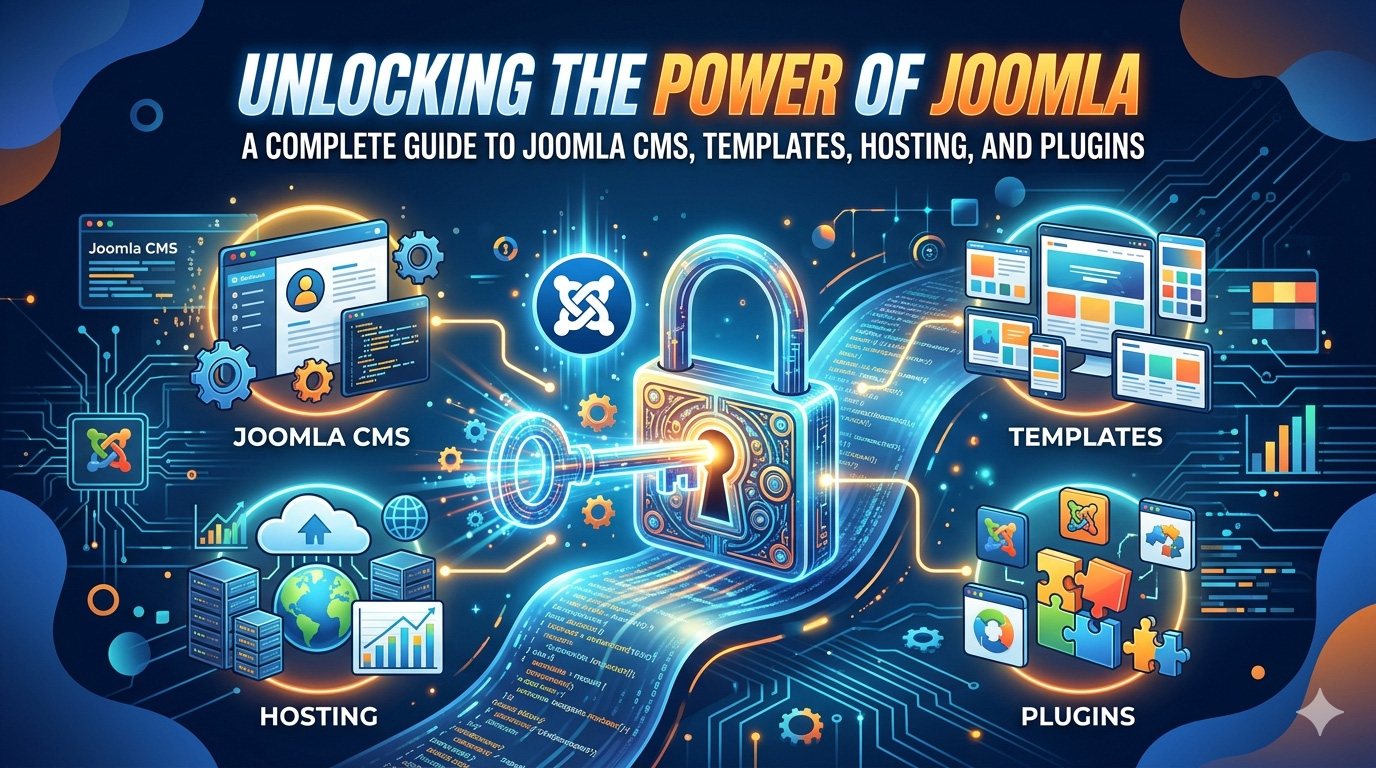
Unlocking the Power of Joomla: A Complete Guide to Joomla CMS, Templates, Hosting, and Plugins

Written by hpcodetechmedia
What is Joomla?
Joomla is a robust open-source content management system renowned for its versatility and user-friendly interface. It empowers individuals and businesses to create dynamic websites and online applications without extensive technical expertise. With Joomla, users can access many features and functionalities, including content management, user authentication, and site customization options. Its modular architecture allows for seamless integration of extensions, enabling users to enhance their websites with additional features and functionalities.
Joomla’s flexibility suits various websites, from personal blogs and portfolio sites to e-commerce platforms and corporate portals. Furthermore, Joomla prioritizes security and regularly releases updates to ensure the safety and integrity of websites built on the platform. Overall, Joomla provides a comprehensive website creation and management solution, empowering users to bring their online projects to life effectively and efficiently.
Exploring Joomla CMS
At its essence, Joomla is an open-source CMS that empowers individuals and businesses to create and manage dynamic websites and robust online applications effortlessly. With its intuitive interface and extensive customization capabilities, Joomla has become a preferred solution for web developers and site owners. Some key features of Joomla CMS include:
- Flexibility: Joomla offers unparalleled flexibility, enabling users to tailor their websites to meet their needs and preferences. Its modular architecture allows for easy integration of extensions and customization of functionalities.
- Scalability: Whether you are launching a personal blogging website, a corporate website, or an e-commerce platform, Joomla scales seamlessly to accommodate projects of all sizes. Its robust framework ensures optimal performance even as your site grows in complexity and traffic.
- Security: In today’s digital landscape, security is paramount. Joomla prioritizes security by providing regular updates and robust security features to protect your website against vulnerabilities and cyber threats.
- Multilingual Support: With built-in multilingual capabilities, Joomla caters to a global audience by enabling the creation of websites in multiple languages. This feature is invaluable for businesses and organizations targeting diverse markets.
Joomla Templates: Elevating Your Website Design
A hallmark of Joomla is its extensive library of templates, the foundation for designing visually stunning and highly functional websites. Whether aiming for a sleek and modern aesthetic or a classic and timeless look, Joomla templates offer endless possibilities for customization. Let’s have a look at free Joomla Templates vs Premium Options:
Joomla provides many free templates catering to various design preferences and industries. These templates are ideal for individuals and small businesses looking to establish an online presence without incurring additional costs.
On the other hand, premium Joomla templates offer additional features, customization options, and professional support. While they may require a financial investment, premium templates provide a level of polish and uniqueness that can elevate your website to above the competition.

Joomla Web Hosting: Finding the Right Fit
Selecting the right web hosting provider is crucial for ensuring your Joomla website’s performance, reliability, and security. With many hosting options available, evaluating your needs and choosing a provider that aligns with your requirements and budget is essential. There are many factors that you need to consider while selecting Joomla Hosting. Some of the critical factors are:
- Reliability: Look for a hosting provider with a proven reliability and uptime track record. Downtime can negatively impact your website’s visibility and reputation, so choosing a provider that offers robust infrastructure and reliable technical support is crucial.
- Performance: Optimize your Joomla website’s performance by selecting a hosting plan with ample resources, optimized server configurations, and fast loading times. A responsive and well-performing website enhances user experience and improves search engine rankings.
- Scalability: As your website grows and attracts more traffic, you may need to upgrade your hosting plan to accommodate increased resource demands. Choose a hosting provider with scalability options, such as VPS or dedicated servers, to support your site’s growth without interruption.
Maximizing Functionality with Joomla Plugins
Joomla’s extensive library of plugins extends the platform’s functionality, allowing users to add new features and enhance existing ones easily. Whether you want to improve SEO, streamline content management, or integrate e-commerce functionality, there is a Joomla plugin for virtually every imaginable need. Here are some of the best Joomla plugins for enhancing your website:
- JCE Editor: This powerful WYSIWYG editor simplifies content creation and formatting, making it easy for users to publish engaging and visually appealing Content.
- K2: K2 is an advanced content management extension that enhances Joomla’s native article system with additional features such as comments, tags, and image galleries. It provides a more robust and flexible platform for managing content-rich websites.
- VirtueMart: For those looking to create an online store, VirtueMart is a popular e-commerce plugin for Joomla. It offers a wide range of features, including product management, order processing, and payment gateways, making it easy to set up and manage an online store within Joomla.
How to create a Joomla Website
To create a website on Joomla, follow these steps:
- Choose a Domain Name and Web Hosting: Select a domain name that reflects your brand or website’s purpose before starting. Then, choose a reliable web hosting provider that supports Joomla.
- Install Joomla: Most web hosting providers offer one-click installation for Joomla. Log in to your hosting account’s control panel and navigate to the Softaculous or installation section. Select Joomla from the list of available applications and follow the prompts to install it on your domain.
- Configure Basic Settings: once Joomla is installed, access the Joomla administrator dashboard by navigating to your domain.com/administrator and logging in with the credentials you set during installation. Configure basic settings such as site name, description, and default language.
- Select a Template: Joomla offers a wide range of templates. Go to the extensions menu and select Templates Manager to install and activate templates that suit your website design preferences.
- Customize Your Website: use the Joomla administrator dashboard to customize your website’s layout, design, and Content. You can add pages, create menus, upload images, and customized modules to tailor your website to your specific needs.
- Add Content: start adding Content to your website by creating articles, categories, and menus. Joomla’s content management system allows you to easily create, edit, and organize Content on your website.
- Install Extensions: Extend the functionality of your Joomla website by installing extensions such as plugins, modules, and components. Explore the Joomla extension directory to find and install extensions that add features like contact forms, galleries, and e-commerce capabilities.
- Optimize for SEO: Improve your website’s visibility in search engines by optimizing your Content for SEO. Use relevant keywords, meta tags, and descriptions, and ensure your website’s structure is search engine-friendly.
- Test and Launch: before launching your website, thoroughly test its functionality and usability across different devices and browsers. Once you are satisfied with the results, launch your Joomla website for the world to see.
Following these steps, you can create a professional and functional Joomla website that meets your needs and objectives.
Bottom Line:
Joomla is a versatile and feature-rich CMS that empowers users to create stunning websites and powerful online applications easily. From its flexible architecture to its extensive ecosystem of templates, hosting options, and plugins, Joomla offers everything you need to bring your web projects to life.
By understanding the core features of Joomla CMS, leveraging its vast library of templates, selecting the right web hosting provider, and maximizing functionality with plugins, you can create a compelling online presence that resonates with your audience and drives success.
Key takeaway:
- Joomla CMS offers unparalleled flexibility, scalability, and security features, making it a top choice for website creation and management.
- Choose from a wide range of free and premium Joomla templates to customize your website’s design and elevate its aesthetic appeal.
- When selecting Joomla web hosting, prioritize reliability, uptime, and scalability to ensure optimal performance and user experience.
- Enhance your website’s functionality with Joomla plugins such as JCE Editor, K2, and VirtueMart, which offer advanced content management and e-commerce features.
- Implement optimization strategies, including regular updates, responsive design, and SEO best practices, to improve visibility and attract traffic.
- Stay updated on the latest Joomla trends and best practices, and collaborate with experienced professionals to leverage Joomla’s full potential for website success.
Frequently Asked Questions
Joomla offers both free and premium templates. While many free templates are available, premium templates provide additional features, customization options, and professional support. Users can choose the option that best suits their needs and budget.
When selecting a Joomla web hosting provider, consider reliability, uptime, performance, and scalability factors. Look for providers with a proven track record of reliability, robust infrastructure, and responsive customer support to ensure optimal website performance.
Joomla plugins are extensions that enhance the functionality of a Joomla website. These plugins can add new features, improve existing functionalities, and extend the capabilities of the CMS. Users can install and configure plugins to tailor their website to their needs and requirements.
To optimize your Joomla website for search engines, implement SEO best practices such as keyword research, on-page optimization, meta tags, and quality content creation. Additionally, ensure your website is mobile-friendly, utilizes clean URLs, and regularly updates Joomla core and plugins for security and performance enhancements.
Joomla has a vibrant community of users, developers, and contributors who actively participate in forums, discussions, and online resources. You can find support, documentation, tutorials, and extensions on the official Joomla website and through various online forums and communities dedicated to Joomla.